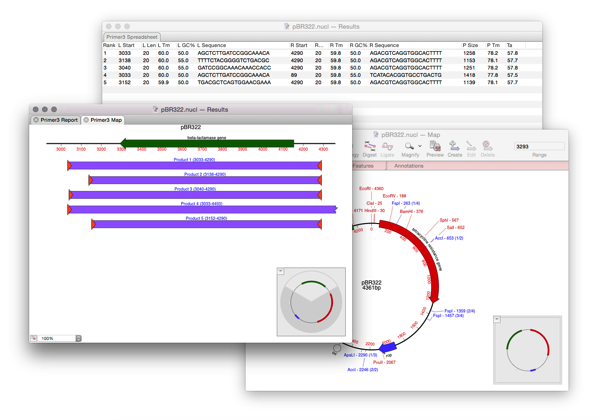
Designing a pair of primers to amplify a single feature is pretty quick with MacVector.
- Select a feature in the MAP tab.
- Run Primer Design/Test(Pairs).
- Ensure the dropdown menu is set to AMPLIFY FEATURE.
- Click OK.
- Check the summary shows that primers have been found and select the spreadsheet and graphical view.
- Click OK.